The Best Reamaze Alternatives for Ecommerce in 2026
Discover the best Reamaze alternatives for ecommerce in 2026. Choose the right support platform for your Shopify store now!

If you're running a Shopify store and want to replace Reamaze, Ernest by Heyernest is the strongest AI-first alternative for small to mid-size teams that need 24/7 automated support, predictable pricing, and direct Shopify order context. For teams with different priorities, the right pick depends on your size, channels, and how much you want AI to do on its own.
Here's the short version:
-
Choose Ernest if you run a Shopify store with 1–15 agents, want AI to handle order lookups, returns, and cancellations automatically, and need pricing that doesn't spike as your ticket volume grows.
-
Consider a messaging-first inbox if your volume is heavy on WhatsApp, Telegram, and Messenger and you want one predictable monthly bill instead of per-seat math.
-
Look at enterprise ticketing platforms (Zendesk, Freshdesk) if you're scaling past 20 agents, need SOC 2 or PCI DSS compliance workflows, and require thousands of integrations.
-
Try a budget chat tool (Tidio, Zoho Desk) if you're a micro team or solo founder who needs a free or near-free starting point before committing to a paid plan.
Reamaze's per-seat pricing starts at $29/user/month and includes metered AI resolution fees on top. That structure works fine at two agents, but for a 10-person team, costs can rise quickly—expect to pay $290/month plus any AI overage fees at base pricing.
Table of Contents
- What are the best Reamaze alternatives right now?
- In-depth profiles: Ernest and the main alternatives you'll meet when replacing Reamaze
- How do you choose the right Reamaze alternative for your store?
- What does a Shopify-first migration from Reamaze actually look like?
- How we evaluated these alternatives
- Why Ernest stands out: what the product actually does
- Key Takeaways
- When I'd pick Ernest over the other options
- Ernest is the AI-first Reamaze alternative built for Shopify stores
- Useful sources and links
What are the best Reamaze alternatives right now?
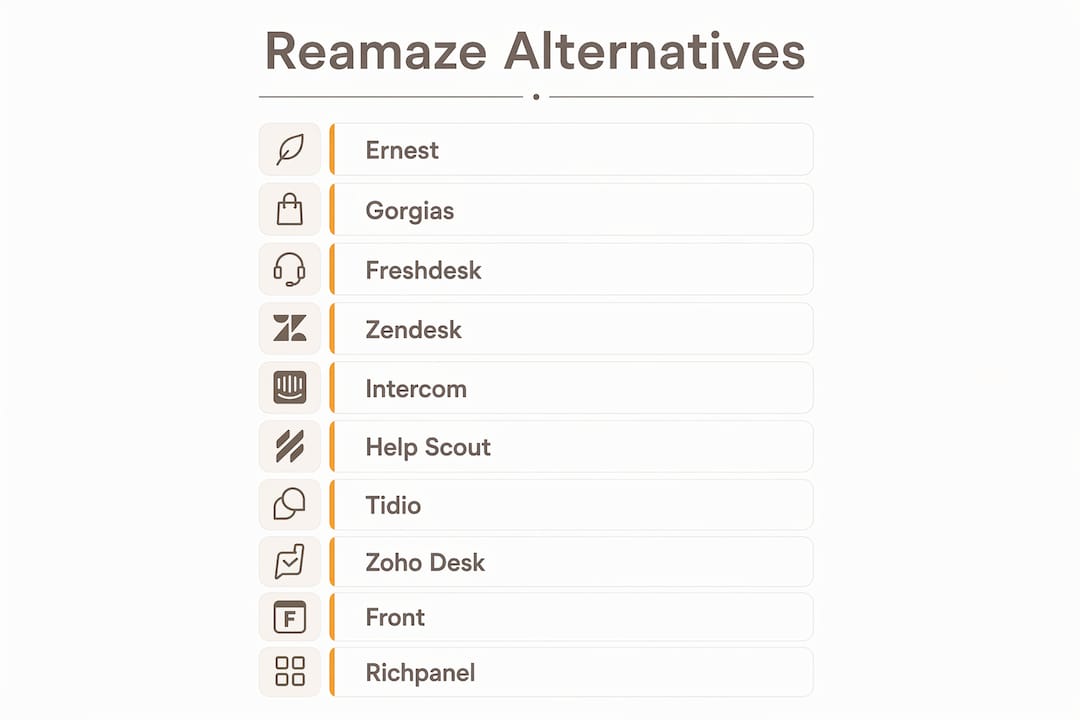
The table below covers all ten alternatives across the dimensions that matter most for ecommerce support teams. Pricing reflects publicly listed starting rates; always confirm current figures with each vendor.
| Tool | Best For | Pricing Model | Starts At | Free Plan / Trial | Shopify Integration | Automation & AI | Channels | Team Size |
|---|---|---|---|---|---|---|---|---|
| Ernest | Shopify-first stores, AI-driven 24/7 support | Flat / conversation-volume tiers | Free plan available | ✅ Free plan | ✅ Native | AI agent, order actions, returns automation | Chat, email | 1–15 agents |
| Gorgias | Mid-size ecommerce, Shopify-native inbox | Per-ticket consumption | ~$10/month (50 tickets) | ✅ Trial | ✅ Deep native | Macros, rules, AI replies | Email, chat, social, voice | 5–50 agents |
| Freshdesk | SMBs needing broad features at low cost | Per-seat | Free tier; paid plans start at $15/seat/month | ✅ Free tier | ✅ App | AI assist, automations, bots | Email, chat, phone, social | 2–100+ agents |
| Zendesk | Large teams, compliance, enterprise scale | Per-seat | Starts at $55/seat/month | ✅ Trial | ✅ App | Advanced AI, workflows, bots | Email, chat, phone, social, SMS | 20–1,000+ agents |
| Intercom | SaaS and product teams, in-app messaging | Per-seat + usage | Starts at $39/seat/month | ✅ Trial | ✅ App | AI agent (Fin), in-app flows | Chat, email, in-app, SMS | 5–500+ agents |
| Help Scout | Small teams, email-first workflow | Per-seat | Starts at $22/seat/month | ✅ Trial | ✅ App | Saved replies, workflows, basic AI | Email, chat, docs | 2–30 agents |
| Tidio | Very small stores, low-cost live chat | Freemium + per-seat | Free; paid plans start at $29/month | ✅ Free plan | ✅ App | Chatbots, Lyro AI | Chat, email | 1–10 agents |
| Zoho Desk | Micro teams, Zoho suite users | Per-seat | Free for up to 3 agents; paid from $14/seat/month | ✅ Free plan | ✅ App | Zia AI, macros, workflows | Email, chat, phone, social | 1–50 agents |
| Front | Distributed teams, shared inbox collaboration | Per-seat | Starts at $19/seat/month | ✅ Trial | ✅ App | Rules, macros, AI drafts | Email, chat, SMS, social | 5–100 agents |
| Richpanel | Ecommerce brands, self-service automation | Per-seat | Starts at $29/seat/month | ✅ Trial | ✅ Native | AI agent, self-service portal, automation | Chat, email, social | 3–50 agents |
Switching a team from per-seat to flat-fee or consumption pricing can show significant annual TCO differences depending on the features you need. Model your total cost before you sign anything.
In-depth profiles: Ernest and the main alternatives you'll meet when replacing Reamaze
Ernest (Heyernest)

Ernest is built specifically for ecommerce support, not adapted from a generic helpdesk. Connect it to your Shopify store and it ingests your FAQs, return policies, and product catalog in minutes. From there, it handles order status lookups, cancellation requests, and return initiations automatically, 24/7, without a human in the loop. When a question falls outside its scope, it escalates to your team with full order context already attached.
Best for: Shopify stores with 1–15 agents that want AI to deflect the bulk of repetitive tickets without paying per resolution.
Pricing: Tiered by conversation volume, with a free plan included. AI features are available across all tiers, not locked behind an enterprise add-on.
Pros:
- AI-first from day one, no separate bot configuration required
- Transparent, predictable pricing with no metered AI overage fees
- Shopify ingestion means order context is live inside every conversation
Cons:
- Primarily chat-based; not the right fit if phone or SMS are your primary channels
- Smaller integration ecosystem than Zendesk or Freshdesk
- Less suited for large enterprise teams with complex compliance requirements
Migration note: Ernest pulls Shopify order data directly, so your order history and customer records are available immediately after connection. Export your Reamaze conversation history as CSV before switching so you keep a searchable archive.
Gorgias
Gorgias is the most Shopify-native helpdesk on this list. It surfaces cart snapshots, order timelines, and refund history directly inside the conversation view, so your agents never need to tab out to Shopify Admin. The ecommerce-specific features like cart visibility and order metadata are what set it apart from generic helpdesks.

Best for: Mid-size Shopify stores with 5–50 agents where agents handle a high volume of order-related tickets.
Pricing: Consumption-based, starting at $10/month for 50 tickets. Costs scale with ticket volume, so higher monthly volumes increase your total spend.
Pros:
- Deep Shopify order and cart context inside every ticket
- Strong macro and rule automation for repetitive order questions
- Native integrations with Shopify, WooCommerce, and BigCommerce
Cons:
- Per-ticket pricing can spike sharply during sales events or holiday rushes
- AI features are an add-on, not included in base plans
- Less suited for non-ecommerce channels like in-app messaging
Migration note: Gorgias has a built-in Reamaze import tool for conversations and customer records. Map your Reamaze tags to Gorgias tags before importing to preserve your workflow logic.
Freshdesk
Freshdesk offers one of the broadest feature sets at the lowest entry price on this list. Its free tier supports unlimited agents on basic ticketing, which makes it a realistic starting point for teams that are outgrowing Reamaze but aren't ready to commit to a paid plan. The free plan options for small teams are a genuine differentiator here.
Best for: SMBs with 2–100 agents that need affordable automation, a large app marketplace, and omnichannel coverage.
Pricing: Per-seat, with a free tier for basic ticketing. Paid plans start at $15/seat/month.
Pros:
- Free tier is genuinely functional for small teams
- Large app ecosystem with Shopify, WooCommerce, and CRM integrations
- AI assist (Freddy AI) available on higher-tier plans
Cons:
- Per-seat pricing compounds as you grow
- Shopify order context is less deep than Gorgias or Ernest
- Advanced automation requires higher-tier plans
Migration note: Freshdesk supports CSV import for tickets and contacts. Export your Reamaze data, clean up the fields, and use Freshdesk's import wizard. Knowledge base articles can be migrated manually or via API.
Zendesk
Zendesk is the enterprise standard. If you're managing a support org with 20+ agents, need SOC 2 compliance, and want access to thousands of integrations, it's the most proven option. Enterprise ticketing platforms like Zendesk are consistently recommended for organizations that need compliance workflows and large integration ecosystems.
Best for: Large support teams (20–1,000+ agents) with complex workflows, compliance requirements, and high ticket volume.
Pricing: Per-seat, starting at $55/seat/month for the Suite plans. Costs can rise quickly as your team grows.
Pros:
- Highly scalable with advanced workflow automation
- Extensive integration marketplace (6,000+ apps)
- Strong compliance options (SOC 2, HIPAA-eligible, PCI DSS)
Cons:
- Expensive for small teams; per-seat pricing is punishing at low agent counts
- Setup and configuration take significant time and expertise
- Shopify integration exists but isn't as native as Gorgias or Ernest
Migration note: Zendesk has a dedicated migration service and supports API-based imports. For a Reamaze migration, plan for 2–4 weeks of configuration time and budget for professional services if your workflow is complex.
Intercom
Intercom's strength is in-app messaging and product-led support flows. Its AI agent, Fin, can handle a meaningful share of repetitive questions autonomously. For SaaS companies or ecommerce brands with a strong app or web product layer, it's a natural fit. For pure Shopify stores focused on order support, it's more than you need.
Best for: SaaS and product teams with 5–500 agents that want in-app messaging, proactive outreach, and AI automation.
Pricing: Per-seat, starting at $39/seat/month, with additional usage-based fees for some AI features.
Pros:
- Fin AI agent handles a high share of repetitive questions autonomously
- Strong in-app and proactive messaging capabilities
- Good integration with product analytics tools
Cons:
- Pricing gets complex with usage-based AI fees on top of per-seat costs
- Heavier setup than most alternatives on this list
- Less focused on ecommerce order context than Gorgias or Ernest
Migration note: Intercom supports conversation export via API. Map your Reamaze tags and segments to Intercom's conversation data model before migrating.
Help Scout
Help Scout is the cleanest email-first helpdesk on this list. It's built around a shared inbox that feels like a team email client, with a knowledge base (Docs) integrated directly. If your support team lives in email and doesn't need heavy automation or AI, it's a genuinely pleasant tool to use.
Best for: Small teams (2–30 agents) that want a simple, email-centric workflow and a built-in knowledge base.
Pricing: Per-seat, starting at $22/seat/month.
Pros:
- Simple, clean UX with minimal learning curve
- Integrated Docs knowledge base for self-service
- Good shared inbox collaboration features
Cons:
- Limited AI and automation compared to Intercom or Ernest
- Shopify integration is functional but not deep
- Not the right fit if live chat or social channels are primary
Migration note: Help Scout supports CSV import for conversations and customers. Their onboarding team is responsive and can walk you through a Reamaze migration.
Tidio
Tidio is the fastest way to get a live chat and chatbot running on a small Shopify store. The free plan is real, not a 14-day trial, and Lyro (its AI chatbot) handles basic FAQ deflection out of the box. For a solo founder or a store with one support person, it's hard to beat the price-to-value ratio.
Best for: Very small stores (1–10 agents) that need low-cost live chat with basic bot functionality.
Pricing: Free plan available; paid plans start at $29/month.
Pros:
- Free plan is genuinely usable for small stores
- Fast setup, often under an hour
- Lyro AI handles basic FAQ deflection
Cons:
- Limited depth for complex ecommerce workflows
- Shopify order context is basic compared to Gorgias or Ernest
- Scales poorly past 10 agents
Migration note: Tidio doesn't have a native Reamaze import. Export your knowledge base articles manually and rebuild your chatbot flows from scratch.
Zoho Desk
Zoho Desk's free plan for up to three agents is one of the most generous on this list. If your team is already using Zoho CRM, Zoho Books, or other Zoho products, the suite integration is a real advantage. Outside the Zoho ecosystem, it's a solid but unremarkable helpdesk.
Best for: Micro teams or stores already using the Zoho suite that need a free starting point.
Pricing: Free for up to 3 agents; paid plans start at $14/seat/month.
Pros:
- Free plan for small teams is genuinely functional
- Strong integration with Zoho CRM and other Zoho products
- Zia AI assistant available on higher-tier plans
Cons:
- UI feels dated compared to Help Scout or Front
- Shopify integration requires third-party connectors
- Less intuitive for teams outside the Zoho ecosystem
Migration note: Zoho Desk supports CSV import for tickets and contacts. Knowledge base migration is manual.
Front
Front is built for teams that treat support as a collaborative workflow. Its shared inbox model lets multiple agents work on the same conversation with internal comments, assignments, and approval flows. It's less about AI deflection and more about making human collaboration fast and organized.
Best for: Distributed teams (5–100 agents) that prioritize internal workflow, approvals, and shared mailbox collaboration.
Pricing: Per-seat, starting at $19/seat/month.
Pros:
- Strong shared inbox and internal collaboration features
- Multi-channel support including email, SMS, and social
- Clean, modern UX
Cons:
- AI features are less mature than Intercom or Ernest
- Shopify order context requires third-party integrations
- Not optimized for high-volume ecommerce ticket deflection
Migration note: Front supports email import and has a migration guide for common helpdesks. Reamaze conversations can be imported via CSV.
Richpanel
Richpanel takes a self-service-first approach. Its customer portal lets shoppers check order status, initiate returns, and resolve common issues without ever opening a ticket. For ecommerce brands with high repeat-purchase rates and predictable support patterns, that self-service layer can deflect a significant share of volume before it reaches your team.
Best for: Ecommerce brands (3–50 agents) that want a data-rich, self-service-first approach with strong automation.
Pricing: Per-seat, starting at $29/seat/month.
Pros:
- Customer self-service portal reduces ticket volume proactively
- Deep ecommerce data integrations (Shopify, WooCommerce, BigCommerce)
- Strong automation for order-related workflows
Cons:
- Per-seat pricing still compounds as you grow
- Less brand recognition than Gorgias or Zendesk
- Self-service portal requires setup time to configure effectively
Migration note: Richpanel has a Reamaze migration guide and supports conversation import via CSV. Map your order tags and customer segments before importing.
Pro Tip: Before you commit to any alternative, run a 5-day parallel test: keep Reamaze live and route 20% of tickets to the new tool. You'll surface integration gaps and agent friction before you're fully committed.
How do you choose the right Reamaze alternative for your store?
The biggest mistake teams make is choosing based on feature lists instead of pricing model fit. A tool with 200 features at $55/seat/month will cost you more than a focused tool at $29/seat, and the extra features often go unused.
Criteria to check before you shortlist
- Pricing model and TCO: Is it per-seat, per-ticket, or flat-fee? Per-seat pricing compounds quickly as your team grows. Model your cost at your current headcount and at 2x headcount before signing.
- Shopify order context: Can agents see order status, cart history, and refund eligibility inside the conversation? This is the single most important differentiator for ecommerce support.
- Channels required: Email and chat cover most ecommerce stores. If you need WhatsApp, SMS, or phone, confirm those channels are included in the base plan, not as paid add-ons.
- AI autonomy level: Do you want AI to assist your agents (suggest replies) or act autonomously (resolve tickets without human review)? These are different products with different pricing models.
- Security and compliance: If you handle payment data, confirm PCI DSS compliance. For EU customers, check GDPR data processing agreements. For healthcare-adjacent stores, ask about HIPAA eligibility.
- Mobile app: If your team handles support from mobile, test the app before committing. Several tools have desktop-first UX that translates poorly to mobile.
- Customization and branding: If you're an agency managing multiple stores, white-label options matter — ask each vendor what's available at which tier.
Questions to ask every vendor before you buy
- What happens to my data if I cancel? Can I export all conversations, customer records, and order context in a standard format?
- Are AI features metered separately, or included in the base plan?
- What's the SLA for your support team, and is a dedicated account manager available at my plan level?
- How does your Shopify integration handle order cancellations and refund triggers? Does it write back to Shopify or only read?
- What's the typical time to value for a team my size? How long does onboarding take?
- Are there overage fees if my ticket volume spikes during a sale or holiday season?
- What compliance certifications do you hold, and are they included in my plan tier?
Red flags to watch for
- Metered AI overage fees billed per resolution on top of your monthly subscription
- Limited data export options that make it hard to leave if the tool doesn't work out
- Shopify integration that only reads order data but can't trigger actions like cancellations or refunds
- Free plan that expires after 14 days but is marketed as a "free plan"
Estimated migration timeline for a small to mid-size team: Plan for a few weeks of setup and testing, plus a parallel running period. Implementation costs vary by tool; enterprise platforms like Zendesk often require professional services that add several thousands of dollars to the first-year cost.
What does a Shopify-first migration from Reamaze actually look like?
Switching helpdesks is less painful than most teams expect, as long as you plan the data mapping before you start.
Migration checklist
- Export your Reamaze data first: Download all conversations, customer records, and knowledge base articles as CSV or via the Reamaze API before you touch anything else.
- Map order IDs to ticket records: Identify which conversations have Shopify order IDs attached. These need to be preserved and re-linked in the new tool.
- Export your macros and workflows: Document every Reamaze rule, macro, and canned response. You'll rebuild these in the new tool, and having them written down saves hours.
- Export your knowledge base: Download all FAQ articles and help docs. Most tools support HTML or markdown import.
- Test your webhook and events flow: Set up a Shopify dev store and confirm that order events (new order, cancellation, refund) trigger correctly in the new tool before going live.
- Run a parallel period: Keep Reamaze active for one week while routing a portion of tickets to the new tool. This surfaces integration gaps before you're fully committed.
- Plan a rollback: Keep your Reamaze account active (don't cancel) until you've confirmed the new tool is stable for at least two weeks.
Integrations that matter for ecommerce
The table below covers the key integration points for the most common ecommerce platforms and where data flows matter most.
| Platform | What to map | Common gotchas |
|---|---|---|
| Shopify | Order ID, customer email, cart snapshot, refund status, fulfillment status | Missing order ID in imported tickets; API rate limits on large stores |
| WooCommerce | Order ID, customer record, product metadata | Webhook configuration required; no native connector in most tools |
| BigCommerce | Order ID, customer tags, refund triggers | Fewer native connectors; often requires Zapier or a middleware layer |
| Stripe / PayPal | Payment status, refund events | Read-only in most helpdesks; refund triggers require Shopify webhook |
| HubSpot / Salesforce CRM | Customer contact record, deal stage | Field mapping required; custom objects may not sync automatically |
Personalized messaging tied to order context is one of the highest-leverage moves you can make during a migration. If your new tool can surface order history inside the conversation, your agents can personalize replies without asking customers to repeat themselves.
Common data mapping gotchas:
- Order IDs don't always survive CSV export/import. Verify them in a sample of 20–30 tickets before bulk importing.
- Cart snapshots are rarely exportable from Reamaze. Rebuild this data from Shopify's order API in the new tool.
- Refund and cancellation history may need to be re-synced from Shopify rather than migrated from Reamaze.
How we evaluated these alternatives
Every tool on this list was assessed against the same set of criteria, applied consistently across the comparison.
Evaluation criteria
- Time to first response: How quickly can a new team get from sign-up to handling a live ticket? We measured setup time in hours, not days.
- Automation deflection rate: What share of common ecommerce questions (order status, return requests, cancellations) can the tool handle without human intervention?
- Shopify context fidelity: Does the tool surface order status, cart history, and refund eligibility inside the conversation view, or does it require agents to tab out to Shopify Admin?
- TCO modeling: We modeled cost at 5, 10, and 15 agents across each pricing model, including AI add-ons and overage fees where applicable.
- Ease of setup: We assessed the onboarding flow, documentation quality, and time to connect a Shopify store.
- Migration readiness: We checked data export options, import tools, and the availability of migration guides for teams coming from Reamaze.
Bias disclosure: Heyernest is the publisher of this article and the maker of Ernest. Ernest's results reflect first-hand product knowledge. Third-party tool assessments are based on publicly available information, vendor documentation, and independent market research. Performance for third-party tools may vary based on your store's configuration and ticket mix.
Why Ernest stands out: what the product actually does
Ernest isn't a general-purpose helpdesk with an ecommerce plugin bolted on. It's built from the ground up for the specific support patterns that repeat in ecommerce: "Where's my order?" "Can I cancel?" "How do I return this?" Those three question types account for the majority of support volume in most Shopify stores, and Ernest handles all of them autonomously, 24/7, without a human in the loop.
The Shopify connection is live, not a daily sync. When a customer asks about their order, Ernest pulls the current fulfillment status, estimated delivery date, and return eligibility in real time. It can initiate a cancellation or start a return flow directly, not just tell the customer to email support.
Ernest's core claim: Connect your Shopify store, point Ernest at your FAQs and return policy, and it's live in under an hour. It resolves common inquiries instantly, escalates complex cases to your team with full context, and operates in multiple languages without additional configuration.
Pricing is tiered by conversation volume, with AI features included at every tier. There are no per-resolution fees, no AI overage charges, and no seat-based math to worry about. For a solo founder or a small team, that predictability is genuinely useful when you're budgeting for the year.
Pro Tip: If you're evaluating Ernest against Gorgias, the key question is whether you want AI to resolve tickets autonomously or just surface context for human agents. Ernest is built for autonomous resolution; Gorgias is built for agent-assisted workflows. Both are strong, but they're solving slightly different problems.
For more on what good ecommerce customer service looks like in practice, the Ernest blog covers common mistakes small stores make and how to fix them.
Key Takeaways
The best Reamaze alternative for most Shopify stores is Ernest, which combines AI-first autonomous support, direct Shopify integration, and predictable conversation-volume pricing with no per-seat or per-resolution fees.
| Point | Details |
|---|---|
| Model TCO before you commit | Switching agents from per-seat to flat-fee pricing can save a meaningful amount annually; run the numbers at your current and projected headcount. |
| Shopify order context is the core differentiator | The tools that surface order status, cart history, and refund eligibility inside the conversation (Ernest, Gorgias, Richpanel) save agents the most time. |
| AI pricing models vary significantly | Some tools meter AI per resolution; Ernest includes AI across all plan tiers with no overage fees. |
| Enterprise teams need a different shortlist | Zendesk and Freshdesk are the right fit for 20+ agent teams with compliance requirements; they're overkill for small stores. |
| Ernest is the recommended pick for Shopify-first stores | For 1–15 agents wanting 24/7 AI-driven support and predictable pricing, Ernest is the strongest starting point. |
When I'd pick Ernest over the other options
The choice between Ernest and the other tools on this list usually comes down to one question: how much of your support volume is repetitive and order-related?
For a Shopify store running 3–8 agents with a ticket mix that's 60–70% order status, returns, and cancellations, Ernest is the obvious pick. The AI handles the bulk of those tickets autonomously, your agents focus on the genuinely complex cases, and you're not paying per seat or per resolution. That's a meaningful operational shift, not just a feature upgrade.
For a rapidly scaling operation heading toward 25+ agents with compliance requirements and a complex integration stack, enterprise ticketing is the right call. Zendesk or Freshdesk give you the workflow depth and compliance certifications that a growing org needs, even if the per-seat cost is higher.
For a messaging-first SMB that handles heavy WhatsApp and Telegram volume and wants one flat monthly bill, a messaging-first inbox is worth modeling. The real-time messaging channel coverage in base plans can be a genuine cost advantage over per-seat tools if your volume is high.
The migration outcome to aim for with a typical 5–10 agent Shopify store switching to Ernest: setup in under a day, order-related tickets increasingly resolved without an agent touching them, and a support team spending more of its time on the conversations that genuinely need a human. That's the practical benefit, and it's why Ernest leads this list.
Ernest is the AI-first Reamaze alternative built for Shopify stores
Every tool on this list is a legitimate option for the right team. But if you're running a Shopify store with a small support team and you're tired of paying per seat while your ticket volume grows, Ernest is worth a serious look.
You get 24/7 AI-driven support that handles order lookups, returns, and cancellations automatically. You get direct Shopify integration that's live, not a daily sync. And you get pricing that's based on conversation volume, not headcount, so your costs don't spike every time you hire someone new.
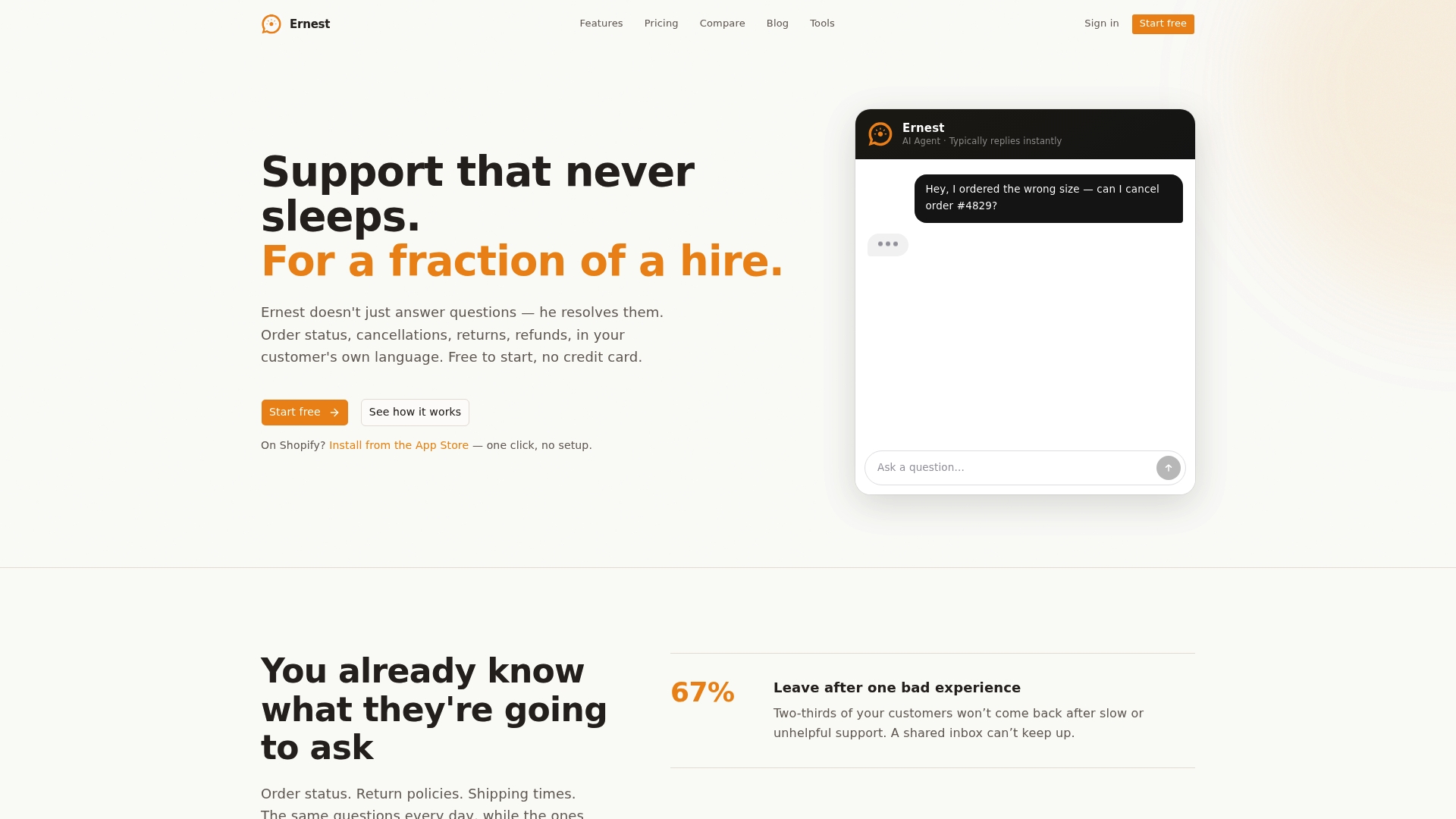
The free plan is a real starting point, not a 14-day countdown. Connect your Shopify store, point Ernest at your return policy and FAQs, and see how many tickets it resolves on its own before you decide anything. For a practical trial checklist: test order status lookups, run a return initiation flow, and check how Ernest handles an edge case your team sees regularly. You'll know within a week whether it fits.
Start with Ernest free and see what autonomous ecommerce support actually looks like in practice.